
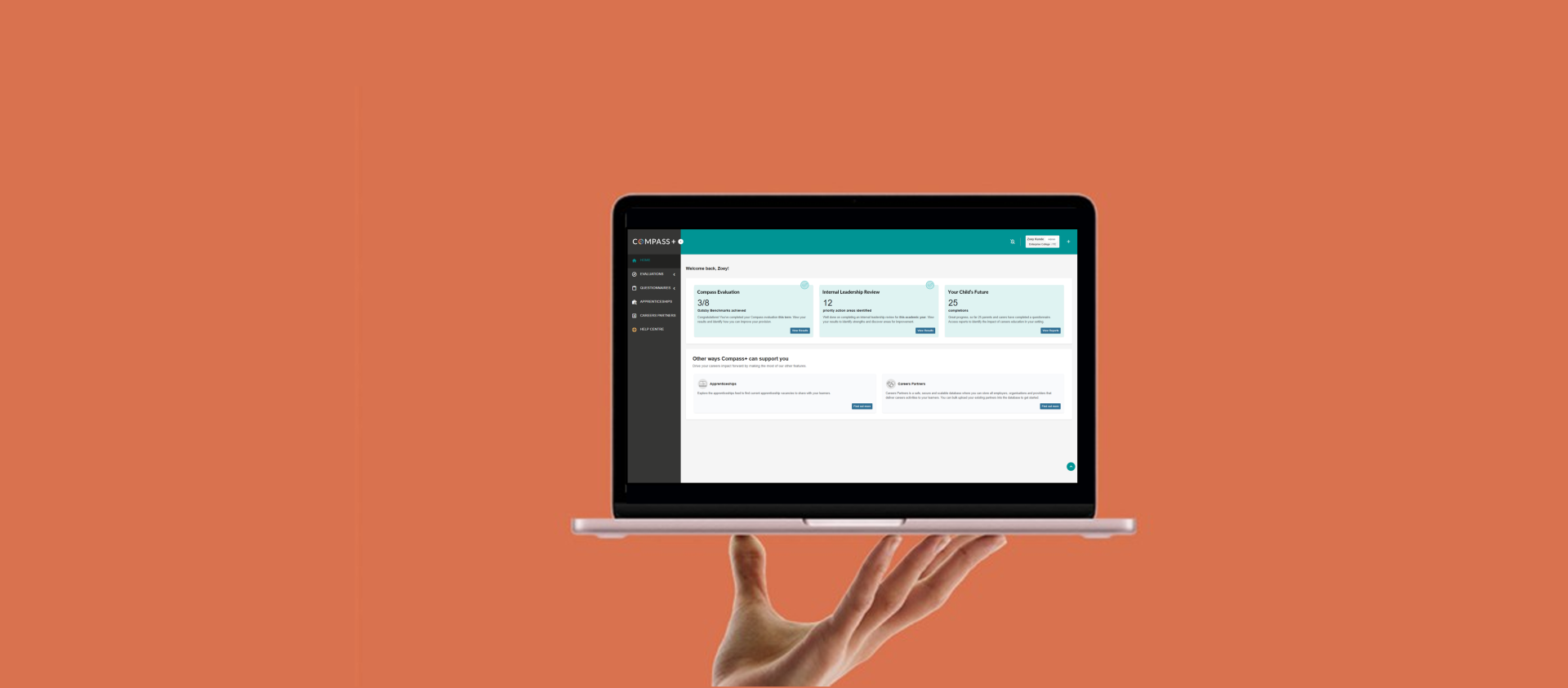

Welcome to Compass+
Users will see a brand-new homepage and have access to new features, including Your Child’s Future – a questionnaire for parents and carers. For colleges, easy-to-use functionality has been improved to support the management of sites and departments.
Watch our short walkthrough video to see Compass+ in action.
For eligible schools and specialist settings with a compatible Management Information System (MIS), Compass+ can connect to the MIS and access learner data - activating the Future Skills Questionnaire, learner reporting, and OnTrack+.
To view the full list of features available to settings with an MIS connection, please see Quickstart with Compass+.
FE colleges and ITPs are unable to connect their MIS to Compass+, although this is something that we continue to work towards.
Join one of our free Compass+ training webinars this term to explore Compass+ and learn how to use key features effectively in your setting.
Guidance and Support
Compass+ Help Centre: Access training, guidance, and resources that enable effective use of Compass+ in any setting. Available 24/7, you can access the Help Centre when you're logged in to Compass+ by clicking on the orange ‘Help Centre’ button in the main navigation bar, alternatively anyone can access the Compass+ Help Centre online via a web browser.
Compass+ 5 steps to success: This new framework underpins our approach to training, and creating content, guidance and resources that support users to understand how Compass+ features work together as part of a connected approach to evaluating, managing and reporting on your setting’s careers provision.
Help Desk: If you experience any technical issues using Compass+, you can always reach out to our Help Desk and one of our Technical Specialists will be happy to help.

Frequently Asked Questions
Got a question?
If you have any questions about the migration, please raise a support request with our Help Desk and one of our Technical Specialists will be happy to help.